
Best Free Social Media Scheduling Tools in 2025
Managing multiple social media accounts manually is time-consuming and inefficient. A good social media scheduling tool lets you plan, create, and schedule posts in advance — freeing up hours every week. If you're looking for a free social media scheduling tool that actually works, this guide covers the best options available.
Why Schedule Social Media Posts?
Scheduling your social media content offers several advantages over posting in real-time:
- **Consistency**: Post at optimal times even when you're busy or offline
- **Time savings**: Create a week's worth of content in one focused session
- **Better content**: Take time to craft quality posts instead of rushing
- **Analytics**: Compare performance across different posting times
- **Cross-platform management**: Handle all your accounts from one dashboard
What to Look for in a Free Social Media Scheduling Tool
Not all free plans are created equal. Here's what matters most:
Number of Scheduled Posts
Some tools limit you to 10 scheduled posts at a time, while others offer unlimited scheduling. Choose based on your posting frequency.
Supported Platforms
Ensure the tool supports the platforms you use — Facebook, Instagram, Twitter/X, LinkedIn, TikTok, Pinterest.
Calendar View
A visual content calendar helps you see your posting schedule at a glance and avoid gaps or overlaps.
Analytics
Even free tools should provide basic engagement metrics to help you understand what works.
Team Collaboration
If multiple people manage your social media, look for tools that support team access.
Top Free Social Media Scheduling Tools
MarketerPro
Best for: All-in-one marketing with email + social in one platform
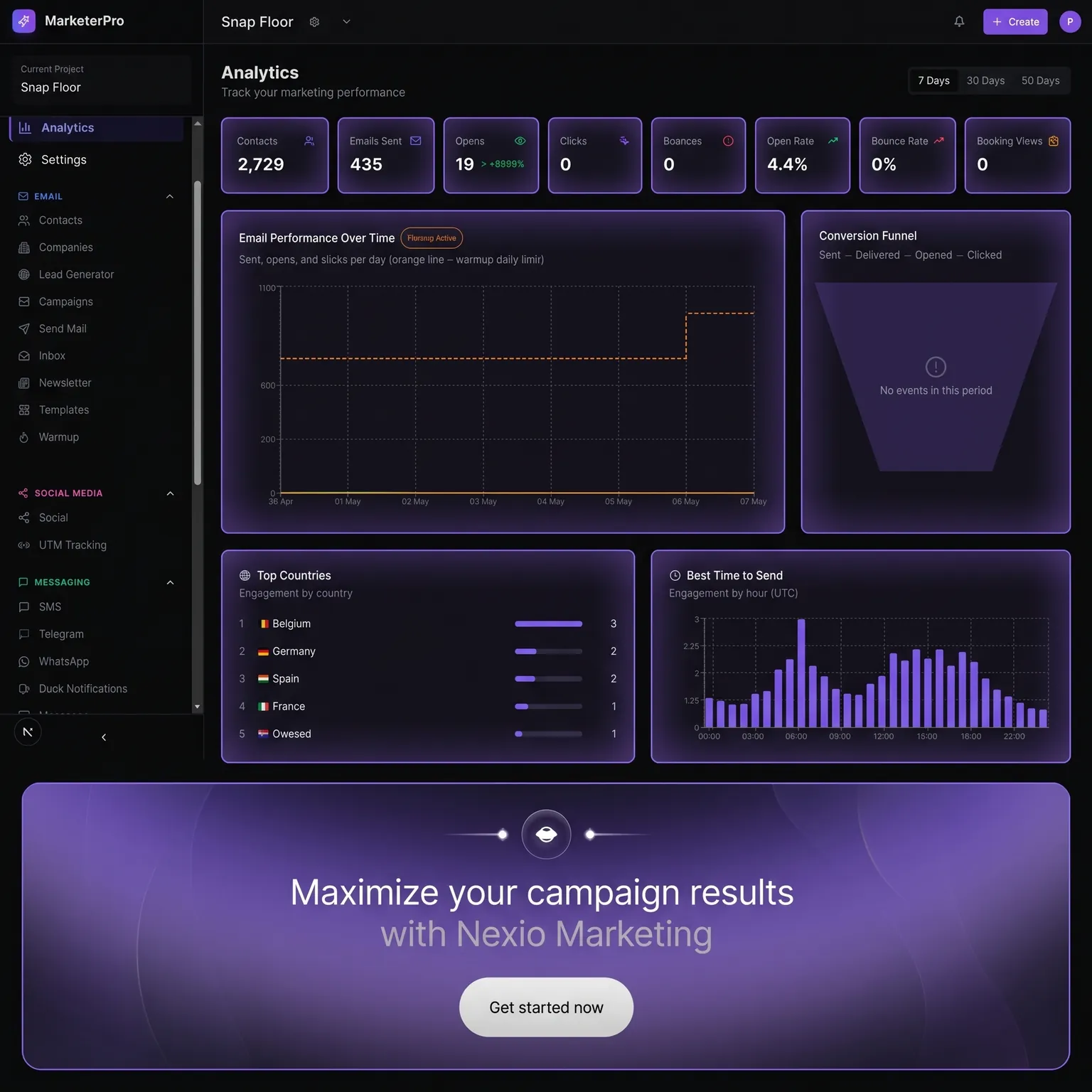
MarketerPro offers social media scheduling alongside email marketing and AI content generation:
- Schedule posts across multiple platforms
- Visual content calendar
- AI-powered content suggestions
- Analytics dashboard
- Integrates with email campaigns
- Free plan available
Free plan limits: Generous posting limits with core scheduling features included.
Buffer
Best for: Simple, straightforward scheduling
Buffer is one of the most popular free social media scheduling tools:
- Schedule up to 10 posts per channel
- Supports 3 social channels on free plan
- Clean, intuitive interface
- Basic analytics
- Link in bio tool
Free plan: Up to 3 channels, 10 scheduled posts per channel.
Later
Best for: Visual content and Instagram
Later excels at visual content planning:
- Visual content calendar
- Instagram-first approach
- Link in bio tool
- Hashtag suggestions
- Media library
Free plan: 1 social set (12 profiles), 12 posts per profile per month.
Hootsuite
Best for: Enterprise-level features
Hootsuite offers comprehensive social media management:
- Multi-platform scheduling
- Social listening
- Team collaboration
- Advanced analytics
- Content library
Free plan: Limited — Hootsuite has moved most features to paid plans.
How to Build a Social Media Content Calendar
A content calendar is essential for effective social media scheduling:
- **Audit your current presence** — Which platforms perform best?
- **Define your content pillars** — 3-5 topics you consistently post about
- **Plan your posting frequency** — How often should you post on each platform?
- **Create content in batches** — Dedicate one day per week to create content
- **Schedule in advance** — Use your scheduling tool to plan 1-2 weeks ahead
- **Review and adjust** — Check analytics weekly and refine your strategy
Best Times to Post on Social Media
While optimal times vary by audience, these general guidelines work as a starting point:
- **Facebook**: Tuesday-Thursday, 9 AM - 2 PM
- **Instagram**: Monday-Friday, 11 AM - 1 PM
- **Twitter/X**: Monday-Friday, 9 AM - 3 PM
- **LinkedIn**: Tuesday-Thursday, 8 AM - 10 AM
- **Pinterest**: Saturday-Sunday, 8 PM - 11 PM
Test these times and adjust based on your audience's engagement patterns.
Tips for Maximizing Free Plans
- **Batch your content creation** — Create all posts for the week in one session
- **Repurpose content** — Turn a blog post into 5 social media posts
- **Use templates** — Create post templates to speed up content creation
- **Schedule evergreen content** — Fill gaps with timeless posts that stay relevant
- **Combine tools** — Use a free scheduling tool alongside free design tools like Canva
Conclusion
The best free social media scheduling tool depends on your needs. If you want social media scheduling combined with email marketing and AI content generation in one platform, MarketerPro is an excellent choice. For simple scheduling, Buffer works well. For visual content planning, Later is ideal.
Start with a free plan, establish a consistent posting schedule, and upgrade when you need advanced features. The key is consistency — posting regularly matters more than the tool you use.